
Sites
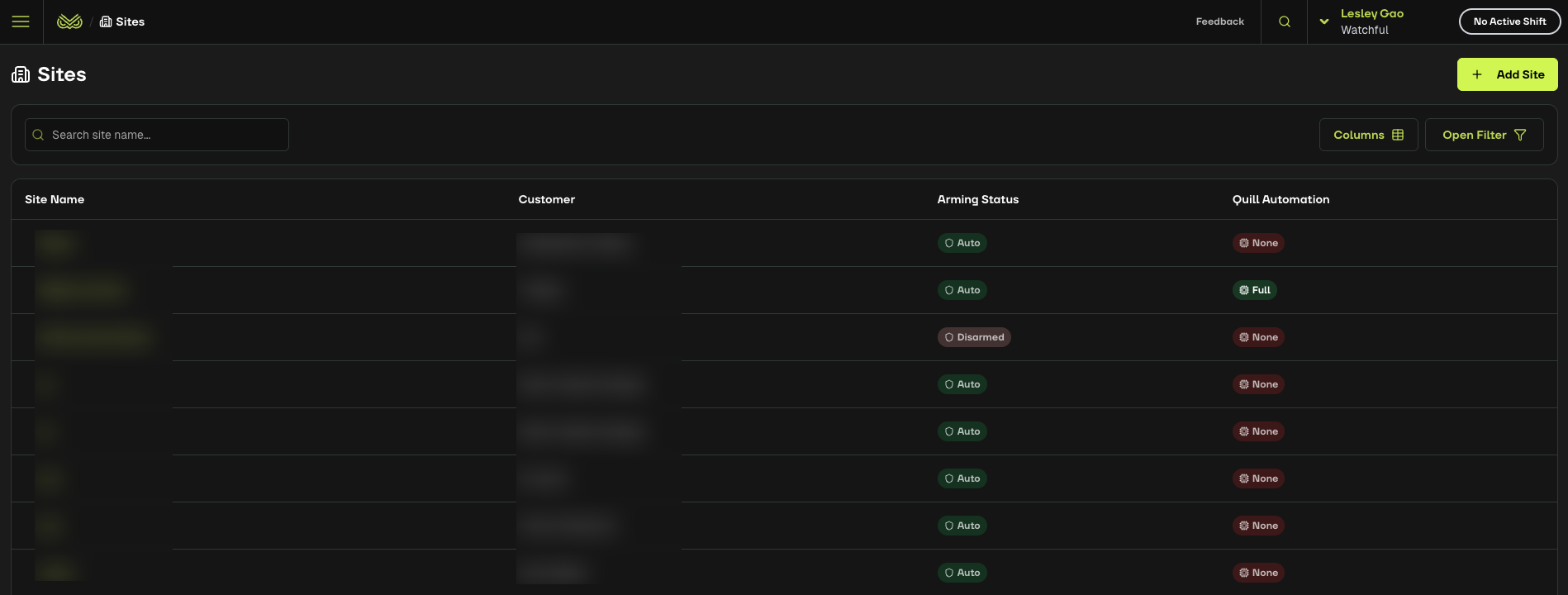
Sites represent the physical locations of your customers’ assets and devices.
Monitoring activities are organised by site. Within the Sites section, you can access:
Devices
Components
Monitoring settings
Alert history
Tabs in a Site Page
Each Site page includes 7 tabs that help you navigate and manage site information:
Site Details - Adjust monitoring and configuration settings for the site.
Alerts – View a comprehensive list of all alerts for the site.
Components - View a comprehensive visualisation of all the devices (camera, speaker, relay) connected to the site.
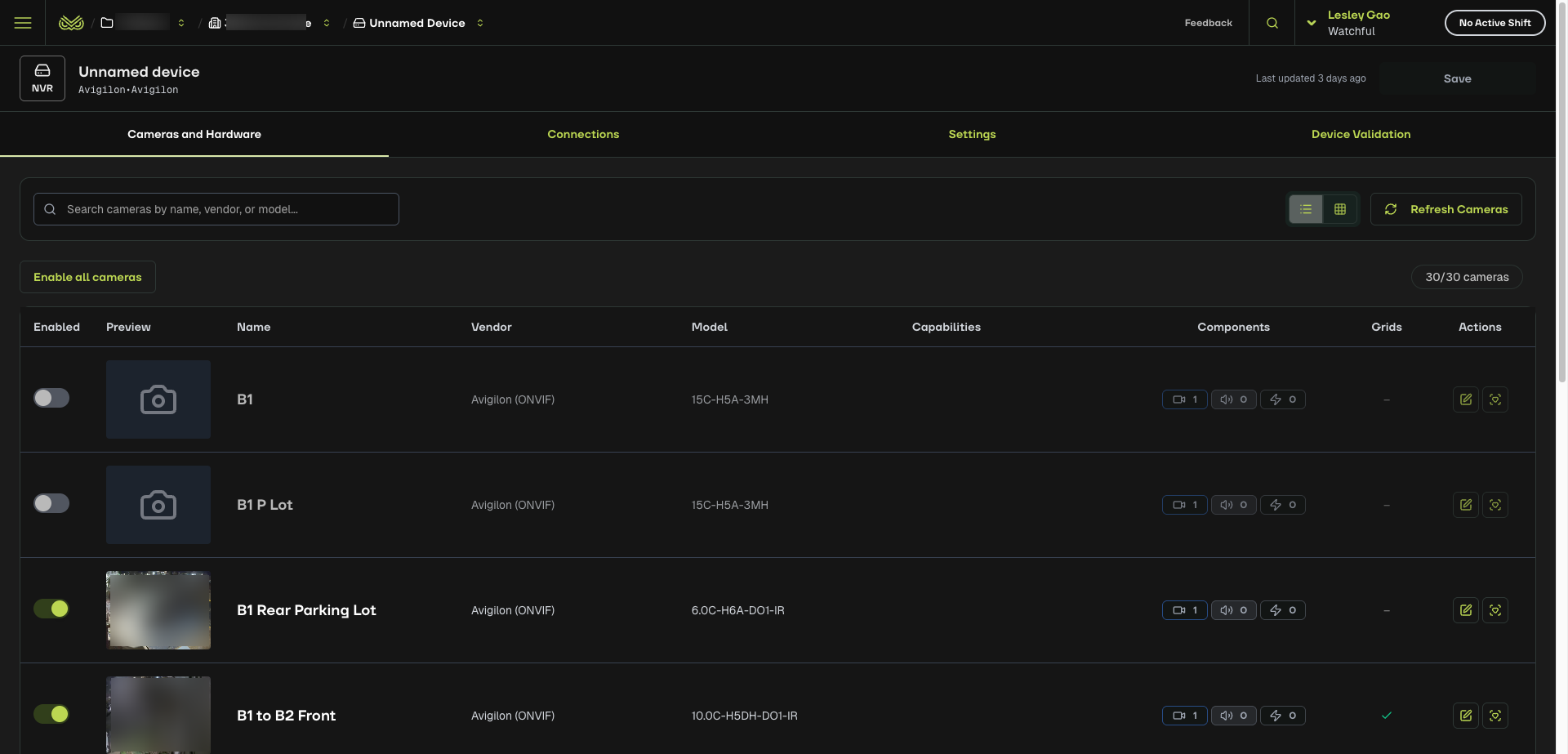
Devices – Manage all devices linked to the site, including monitoring settings and grids.
Workflows – Create customised workflows for your agents to follow to deal with different alert status.
Site Users – Manage customer access to site information.
Logs – View detailed logs of administrative actions such as scheduling changes and arming/disarming.