
Site details configurations
The Site Details tab lets you configure and manage key monitoring settings for a specific site.
Each section below outlines the available options and how to use them.
Site Arm Options
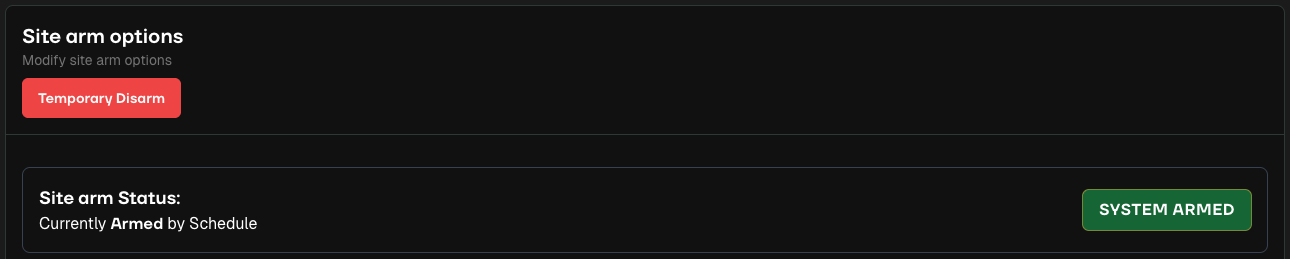
Use this section to arm or disarm a site. There are five arming states available:
Temporary Disarm – Disarm a site until a specific date and time.
Auto – Arm and disarm automatically based on your schedule.
Armed – Keep the site armed 24/7, ignoring the schedule.
Disarmed – Keep the site disarmed 24/7, ignoring the schedule.
Test Mode – Use for device testing. Events appear in the Admin Portal but are not sent to monitoring agents.
Allow Staff to Mark Events as “No Threat”
When enabled, monitoring agents can classify events as No Threat or No Further Action Required. You can also set a cooldown period (0–10 minutes) for these events.

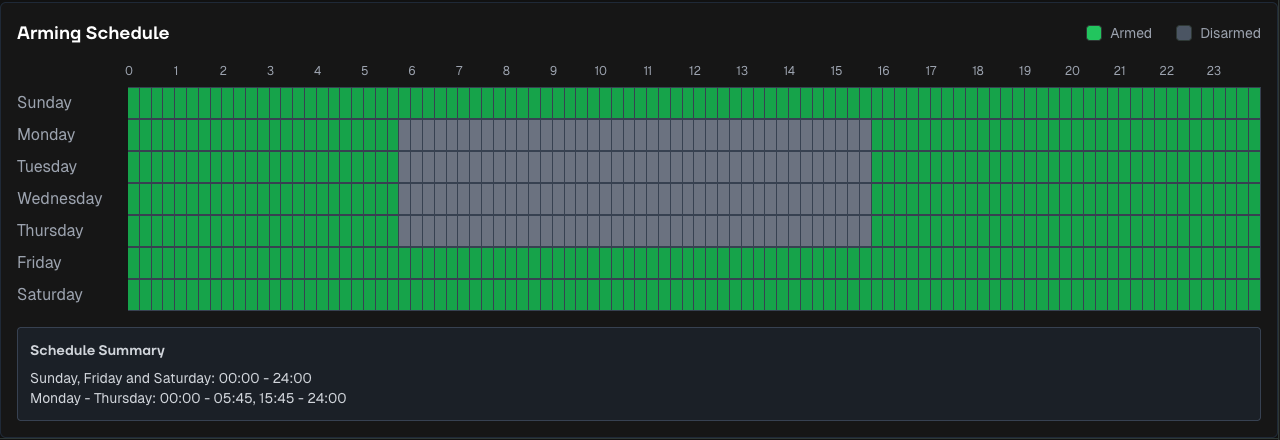
Arming Schedule
Define when the site should automatically arm or disarm.
You can also set more detailed schedules at the Zone level of a site.
Event Detection
Specify whether to detect people, vehicles, or both.
This detection is independent of Quill’s analysis.

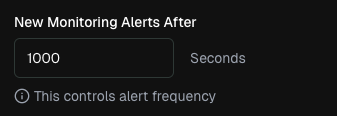
New Monitoring Alerts After
Set how long Watchful waits before creating a new alert after the last event.
For example, if set to 300 seconds, a new alert will generate if no additional events occur within that timeframe.
Site Instructions
Provide site-specific guidance for monitoring agents. Instructions appear in every alert for that site.
Tip: include site contacts and workflows for faster agent responses.

Time Zone
Time zones are automatically populated when you enter the site’s address or coordinates.
Site Contacts
Add key contact details accessible to agents in the Monitoring Portal, especially during workflows where they may need to reach key holders.
Monitoring Companies
Also referred to as Teams, this section lists the monitoring groups responsible for managing your sites. You are able to have multiple monitoring companies.
Quill Automation
Quill is Watchful’s automated assistant that classifies events and, depending on the automation level, can resolve alerts automatically.
Quill Automation defines how Watchful’s AI assistant handles events and alerts.

Automation Levels:
None – No Quill involvement.
Assistant – Quill provides analysis and dispositions to agents, but all alerts are sent to a human agent for review.
Full – Quill processes most alerts automatically, escalating only critical cases (Intruder and Possibly Staff) to human agents.
Threat Criteria
Instructions provided to Quill that help it determine what constitutes a potential threat.
No Threat Criteria
Guidelines that help Quill identify safe or routine activity that should not trigger an alert.
Siren Settings
Control siren activity on site.

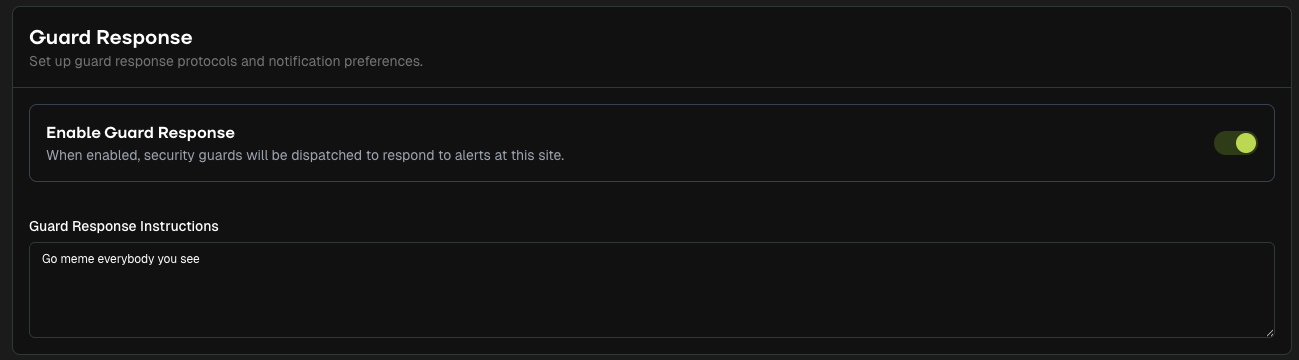
Guard Response
An aid to dispatching guards on your sites if that is a service you provide.
Event Schedule
Create calendar-based arming and disarming schedules for specific days or times.
For more detailed guidance, click here.

Stages
For organisations that use Stages as part of their monitoring process, this section allows you to enter the monitoring centre ID.