
Add a new customer
Edited
Adding Customers in Watchful is quick and simple.
Steps
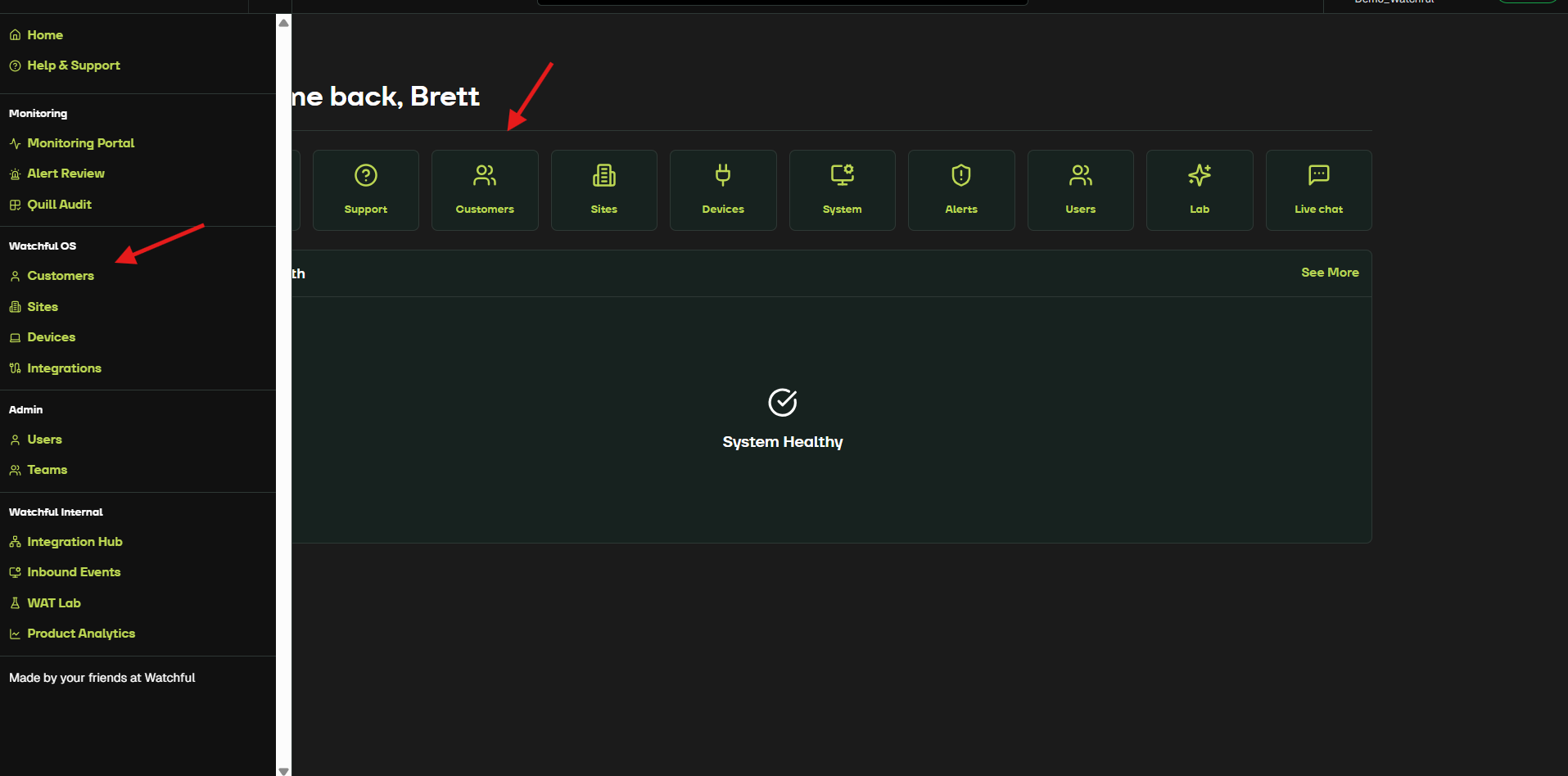
From the Home screen or the left-hand toolbar, select Customers.
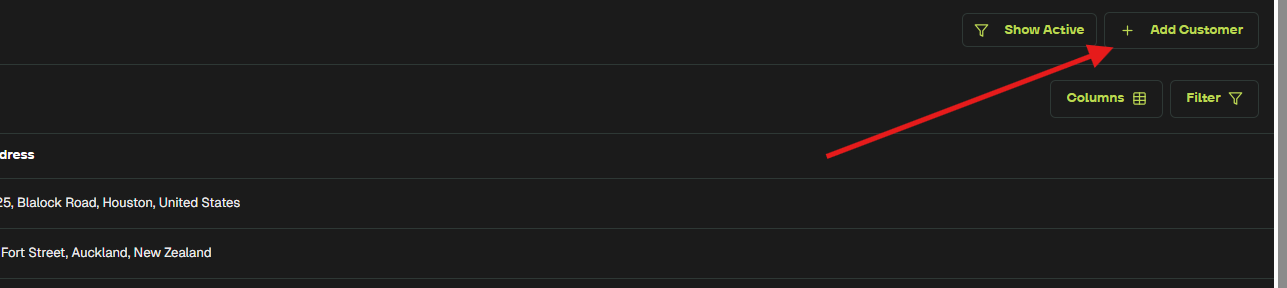
Click Add Customer in the top-right corner.
This opens the customer creation form.
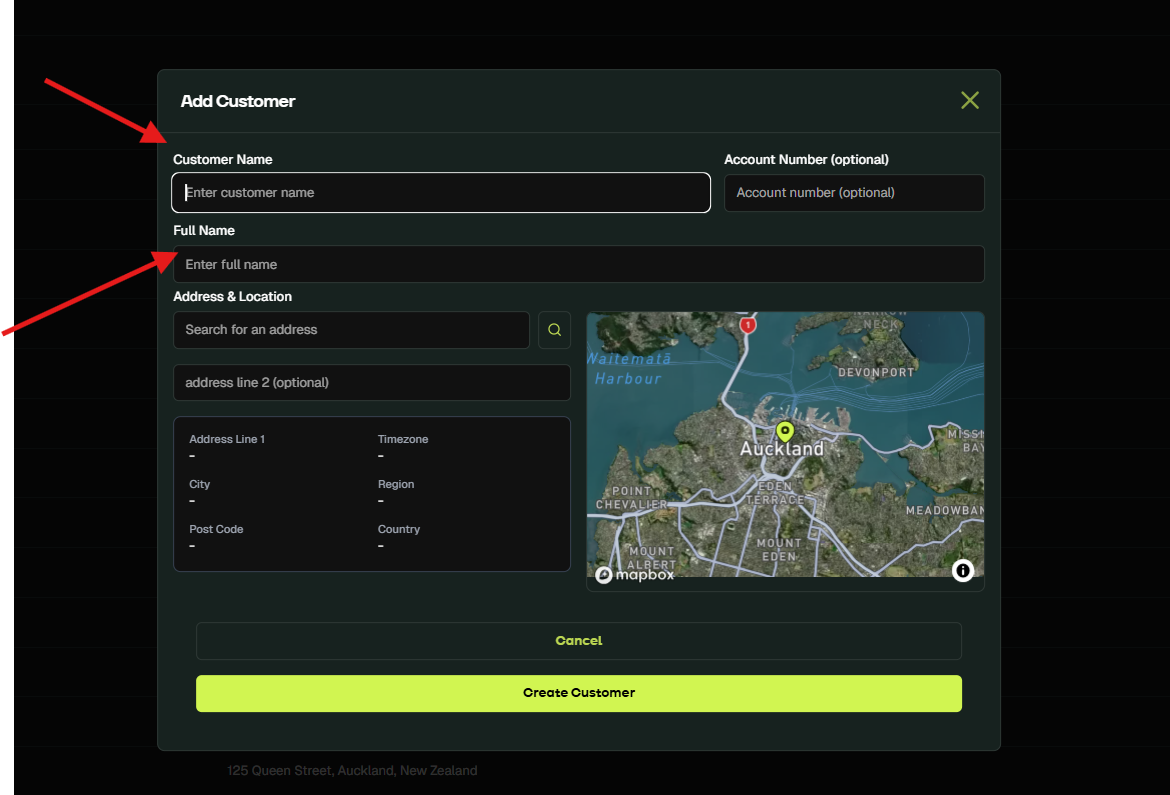
Complete the required fields: Customer Name, Full Name, Address & Location
Select Create Customer to finish.
A confirmation message appears: Customer created successfully.
Your new customer is now created, and you can proceed to add Sites and Devices.
For a brief video tutorial on adding a new customer, watch below.
Next Step: Add a new site