
About Integrations in Watchful
Overview
This article explains what integrations are, when to use them, and how they fit into device setup.
See also: Integrations vs direct device connections
What “integration” means
An integration is a connection between Watchful and another platform typically used to connect to VMS, Analytics, or Queueing platforms.
After you connect, Watchful can access the resources provided by the credentials e.g. cameras. This enabled you to connect once and reuse the connection across sites and devices.
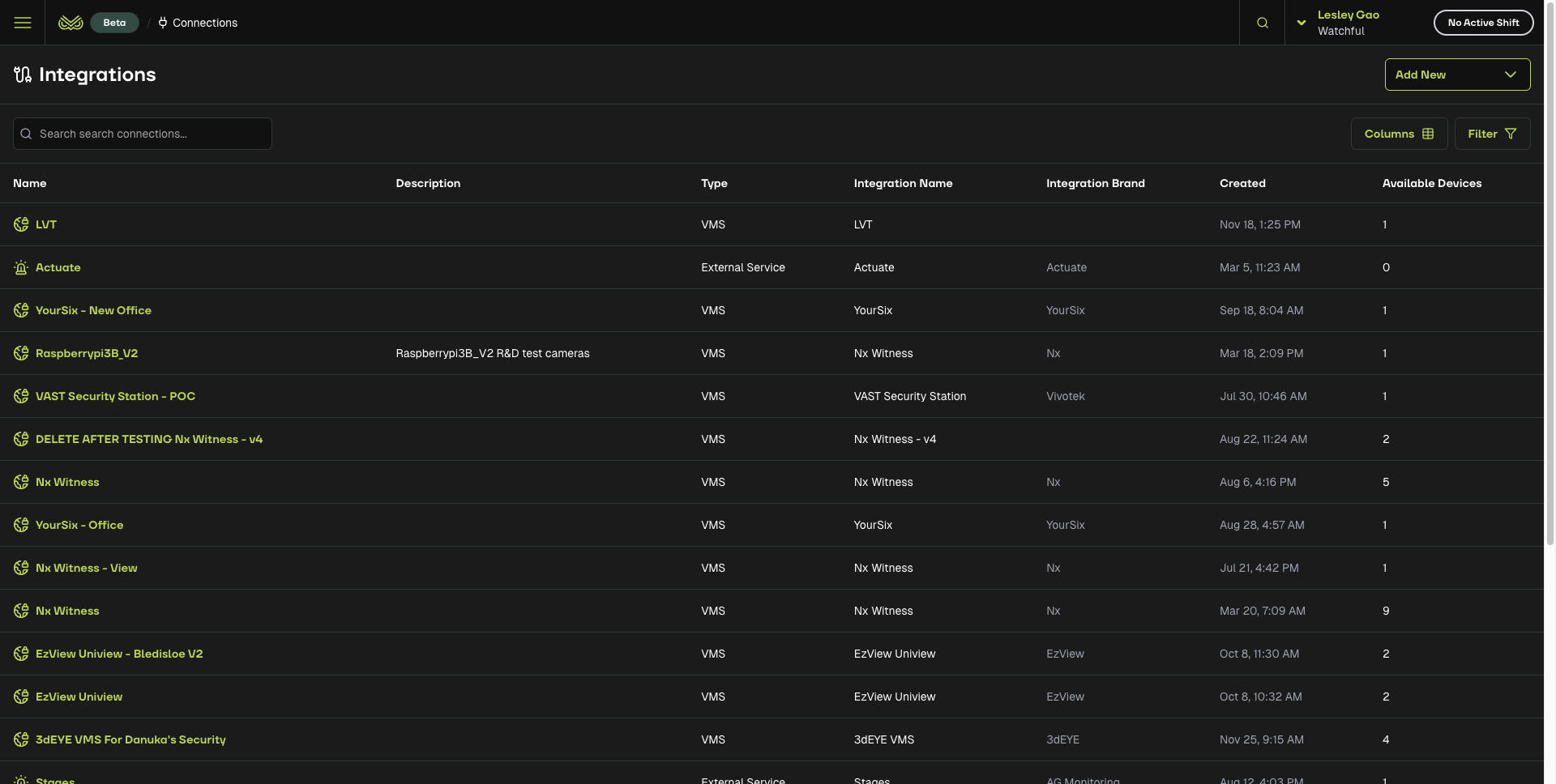
When to use an integration
Use an integration when:
You use a VMS that manages many cameras or sites
You want to avoid setting up device connections one by one
You want one place to manage access and camera lists
You do not need an integration when:
You connect directly to a physical NVR or camera using an IP address
How integrations work
When you set up an integration, Watchful can:
Pull a list of available sites or cameras
Let you pick the correct camera when adding a device
Use the same connection across many customers and sites
One integration can support hundreds of sites.
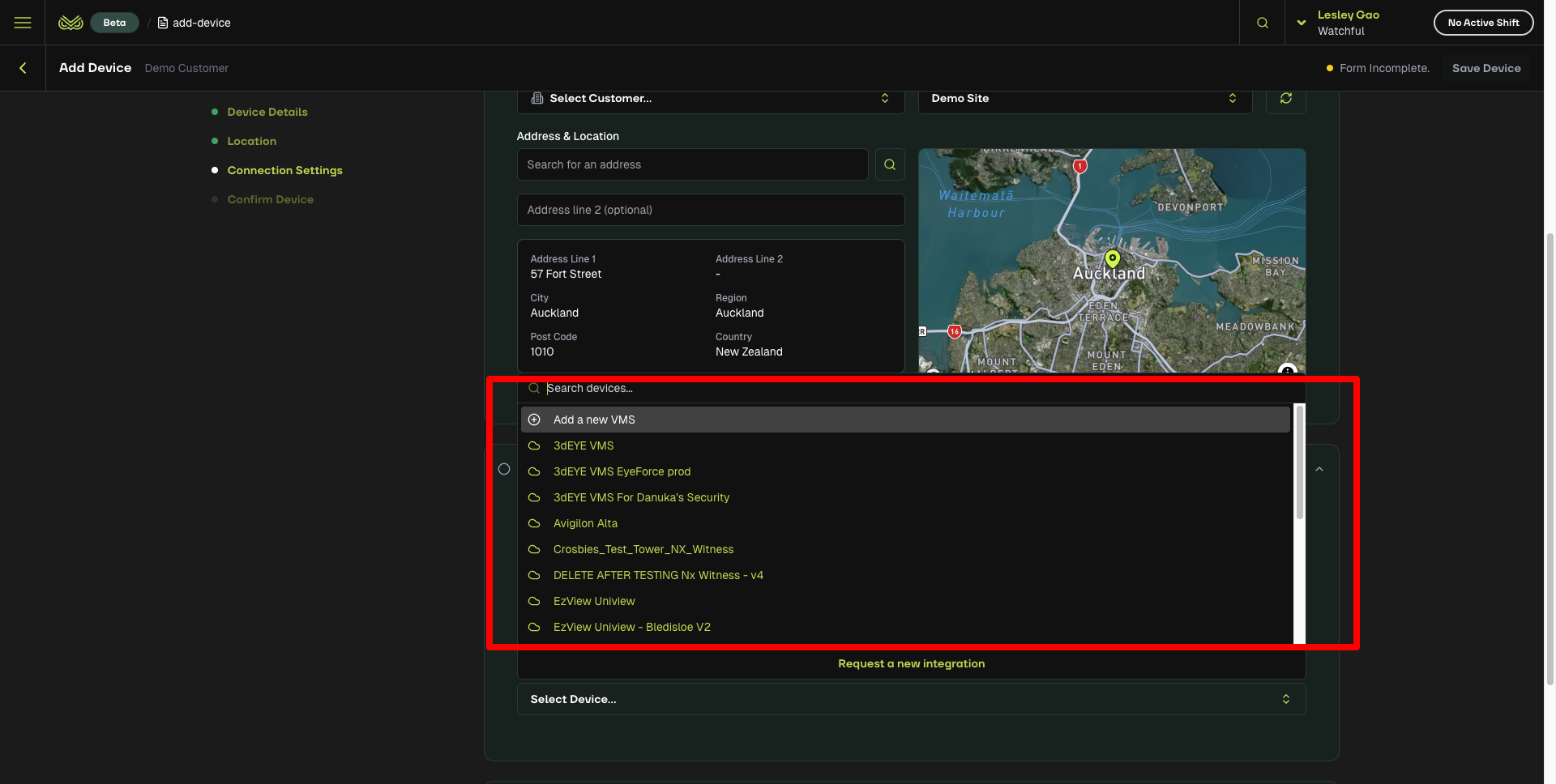
What integrations do not do
An integration does not complete every device setup step.
You still need to configure the external platform.
Most VMS systems require you to:
Create a notification rule
Send analytics events to Watchful via webhook
Choose which cameras will send events to Watchful
How to set up integrations
Go to the Integration Instructions category in the Help Centre, select your platform or device type, and follow the detailed instructions.
Result
When both sides are configured, Watchful will begin receiving analytics events from the external platform. These will appear in the monitoring portal.